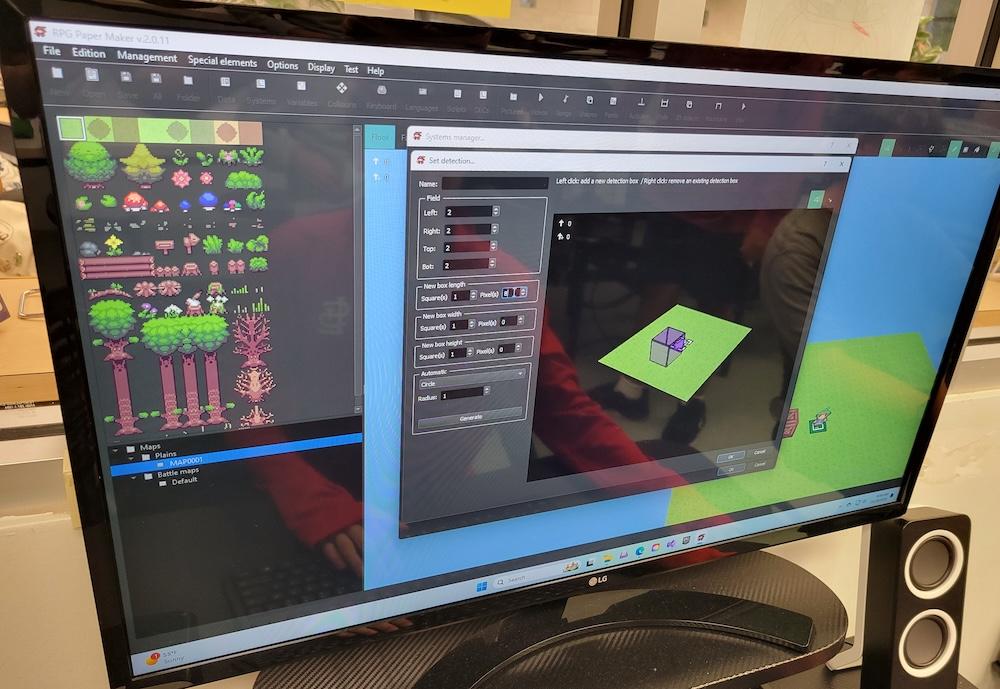
RPG Paper Maker usually crashes when editing collisions or detections.
Action path: open existing RPG Paper Maker project, click Systems, scroll to Detections, add new Detection, right-click new Detection and click Edit, edit parameters of new Detection, click "OK"
Usually the program crashes at "OK", sometimes gets as far as attempting to "Play" game, then crashes. We were able to get the game going once, but during that play test the game froze after we moved a box to the edge of the screen.
Running Windows 11 Pro, RPG Paper Maker v.2.0.11