Wano (Marie Laporte)
Founder
Project Manager, Developer, Web Designer and Graphic & Objects Designer.
Mainly tailored for J-RPGs, but you can create almost any type of game with it such as Action RPGs, Tactical RPGs, etc.
The user friendly interface lets you build your game without worrying about complex stuff.
Add your own plugins and game assets to your games to make it even more special!
As long as you don’t have any profit with your games, you can use RPG Paper Maker freely! Awesome!
Any commercial game made with RPG Paper Maker will require a one time buy license for a team to be sold. No other fees.
Click here to see more about RPG Paper Maker features!
RPG Paper Maker is a game engine, free for non-commercial use, that allows you to create a 3D universe with many 2D sprites and even 3D objects using a simple interface. It is available on all major platforms: Windows, Linux, and macOS.
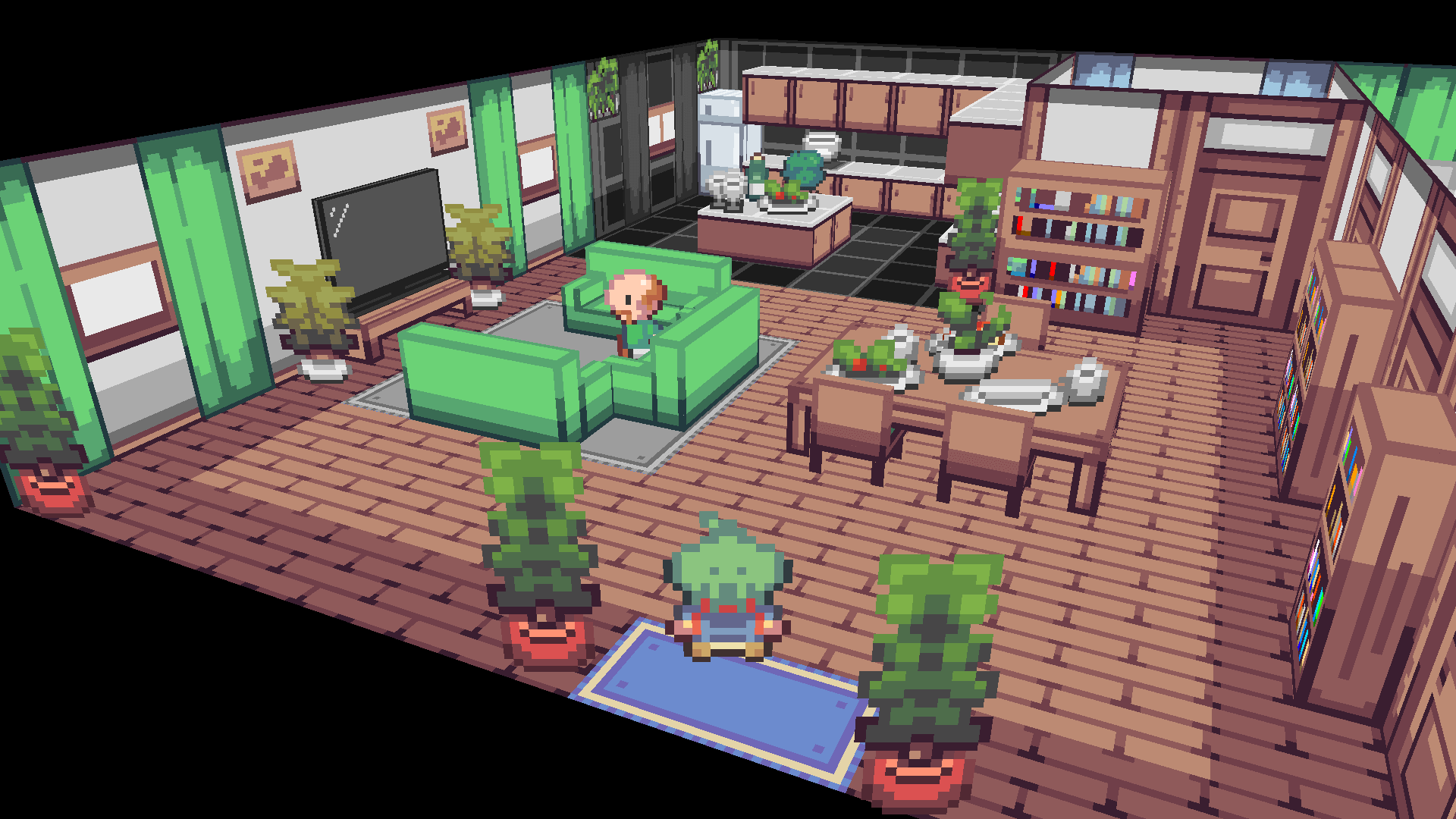
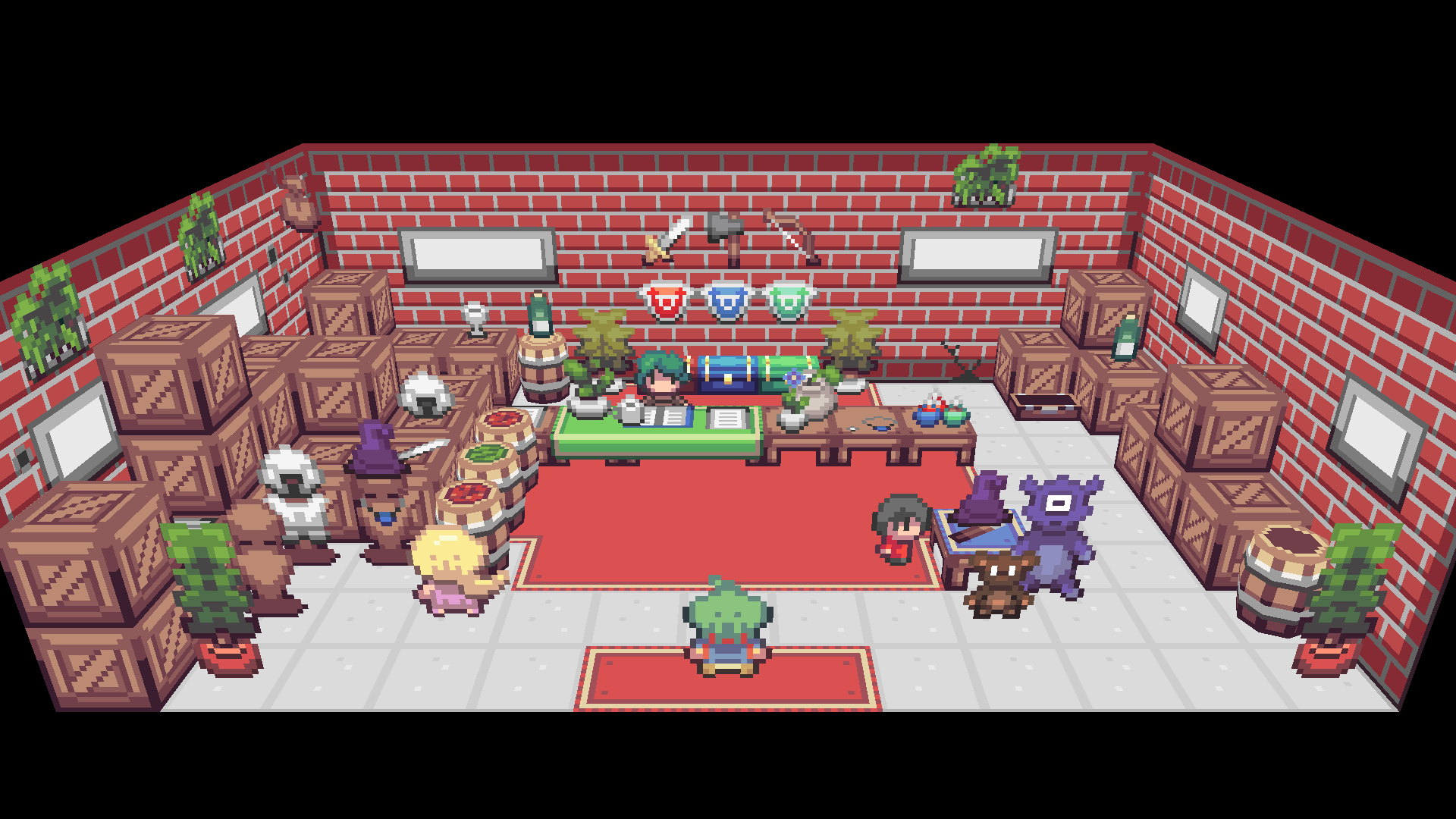
RPG Paper Maker gives you a way to create RPGs in a full 3D world as easily as in 2D! It also comes packed with cool retro-inspired graphic assets for you to use in your own projects.
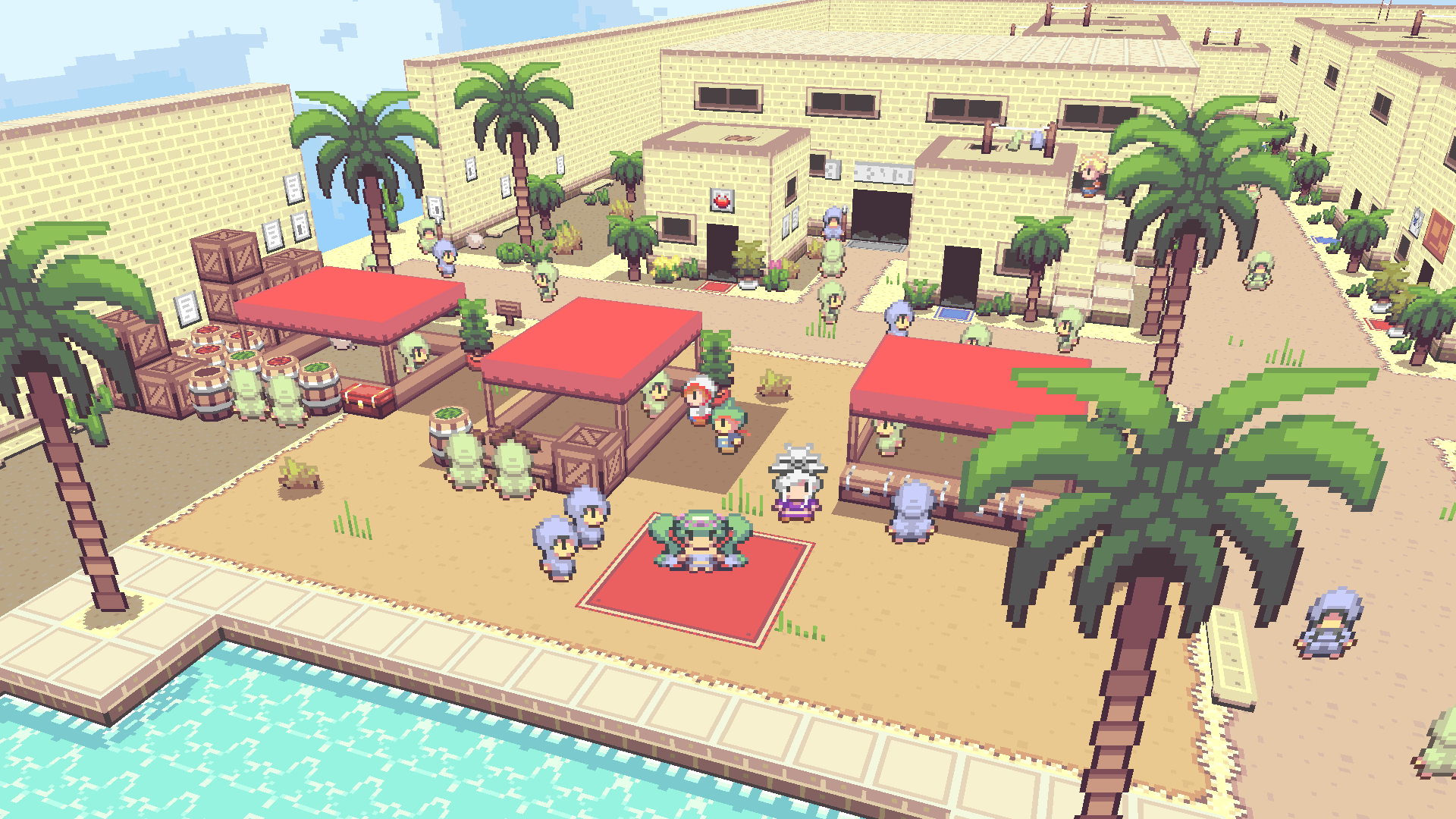
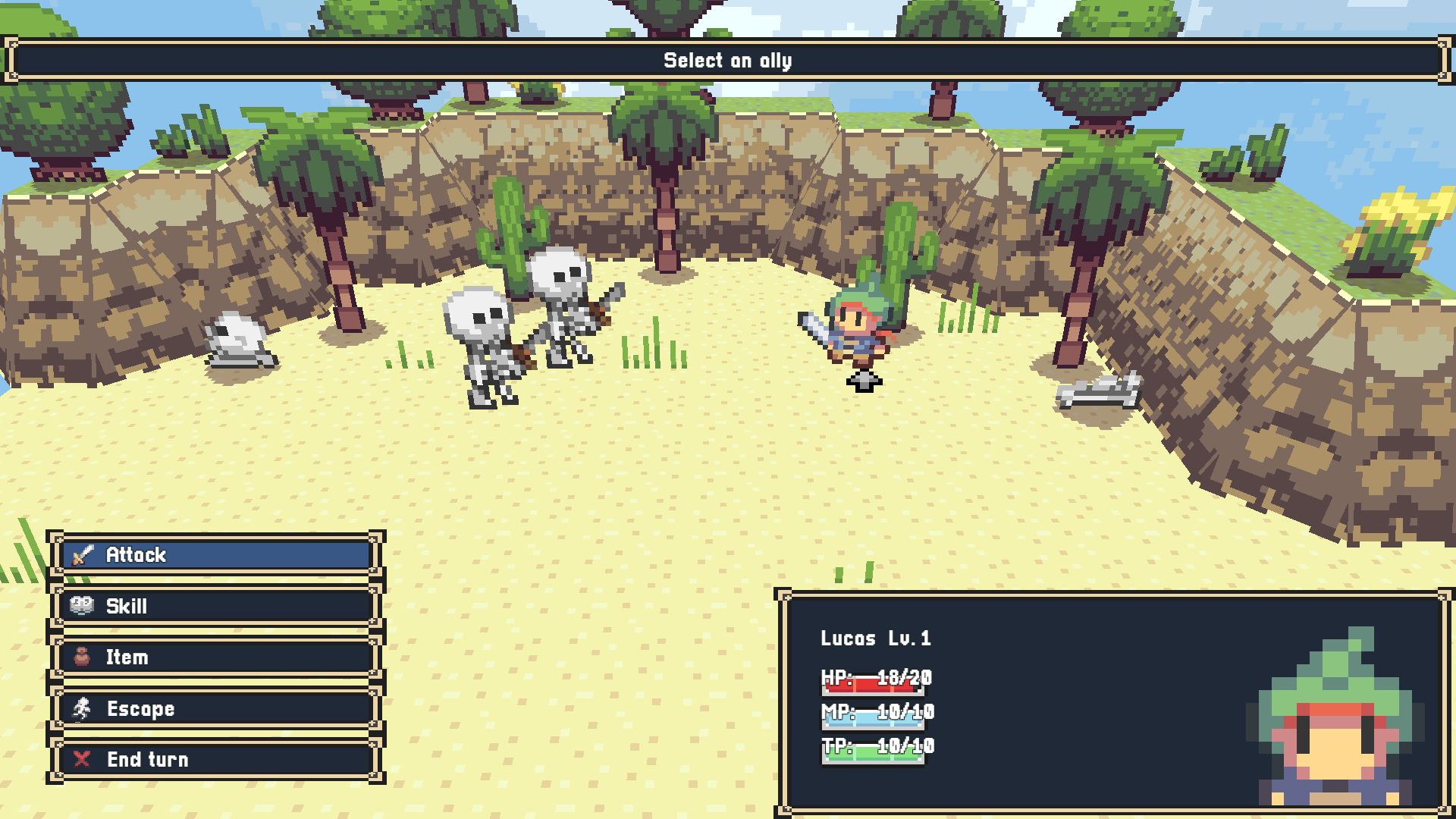
The engine is mainly tailored for J-RPGs, but you can create almost any type of game, such as Action RPGs and Tactical RPGs (plugin coming soon).
Our philosophy is simple: enabling you to create a 3D video game without any knowledge of:
The user-friendly interface lets you build your game without worrying about complex details.
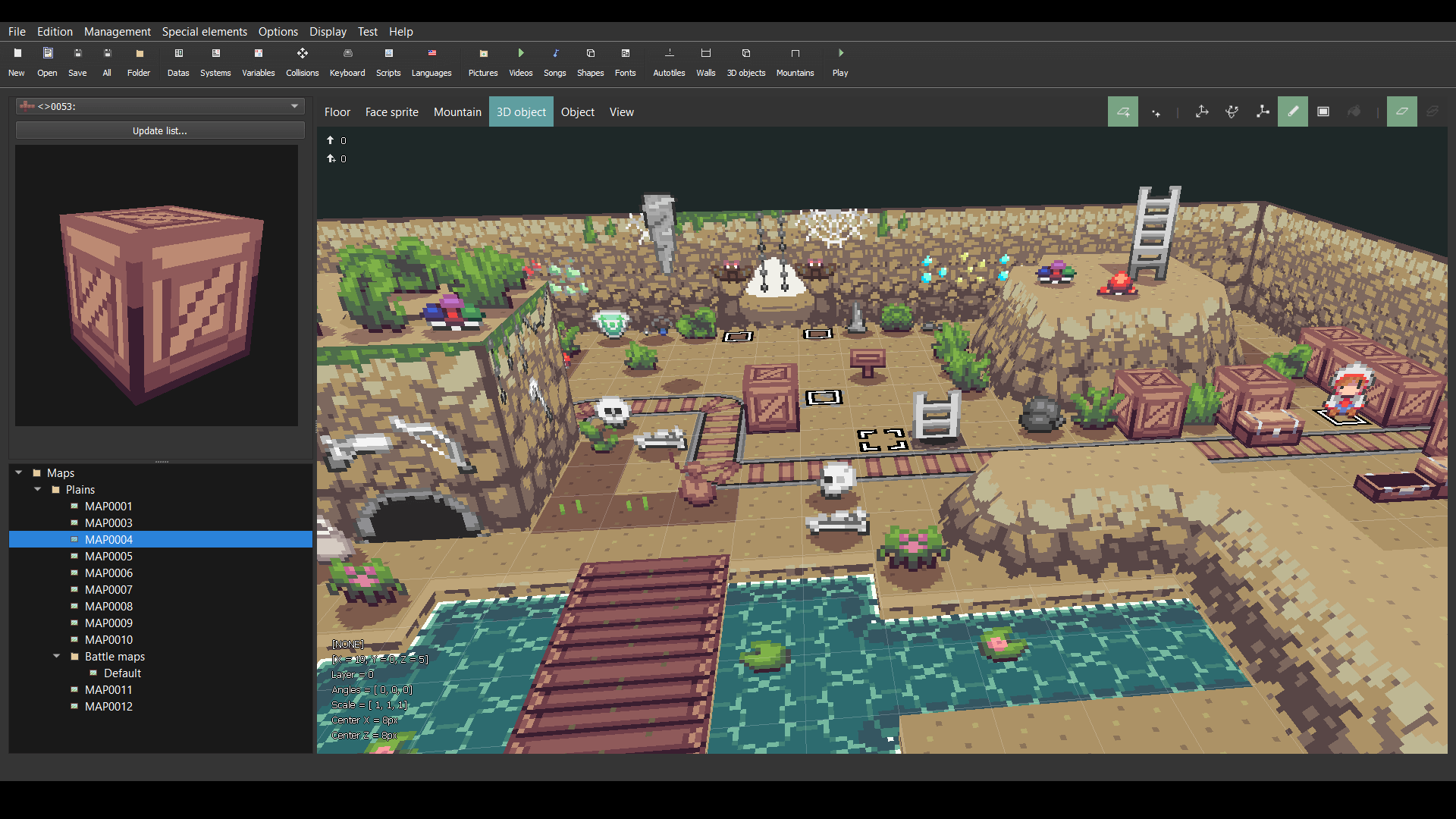
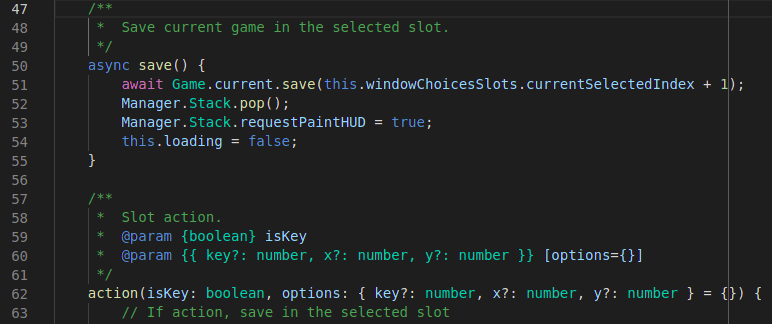
If you have knowledge in programming and/or modeling, we've got you covered. You will be able to:
Combining your skills with RPG Paper Maker can make your games even more unique!
As long as you don't make any profit from your games, you can use RPG Paper Maker for free! So if you want to create games for fun and share them with a community, go for it.
You can contribute to the project on GitHub here: https://github.com/Wano-k/RPG-Paper-Maker.
Any commercial game made with RPG Paper Maker requires a license per team member, allowing unlimited games. The current price is $79.99. Check out more information here: http://rpg-paper-maker.com/index.php/downloads
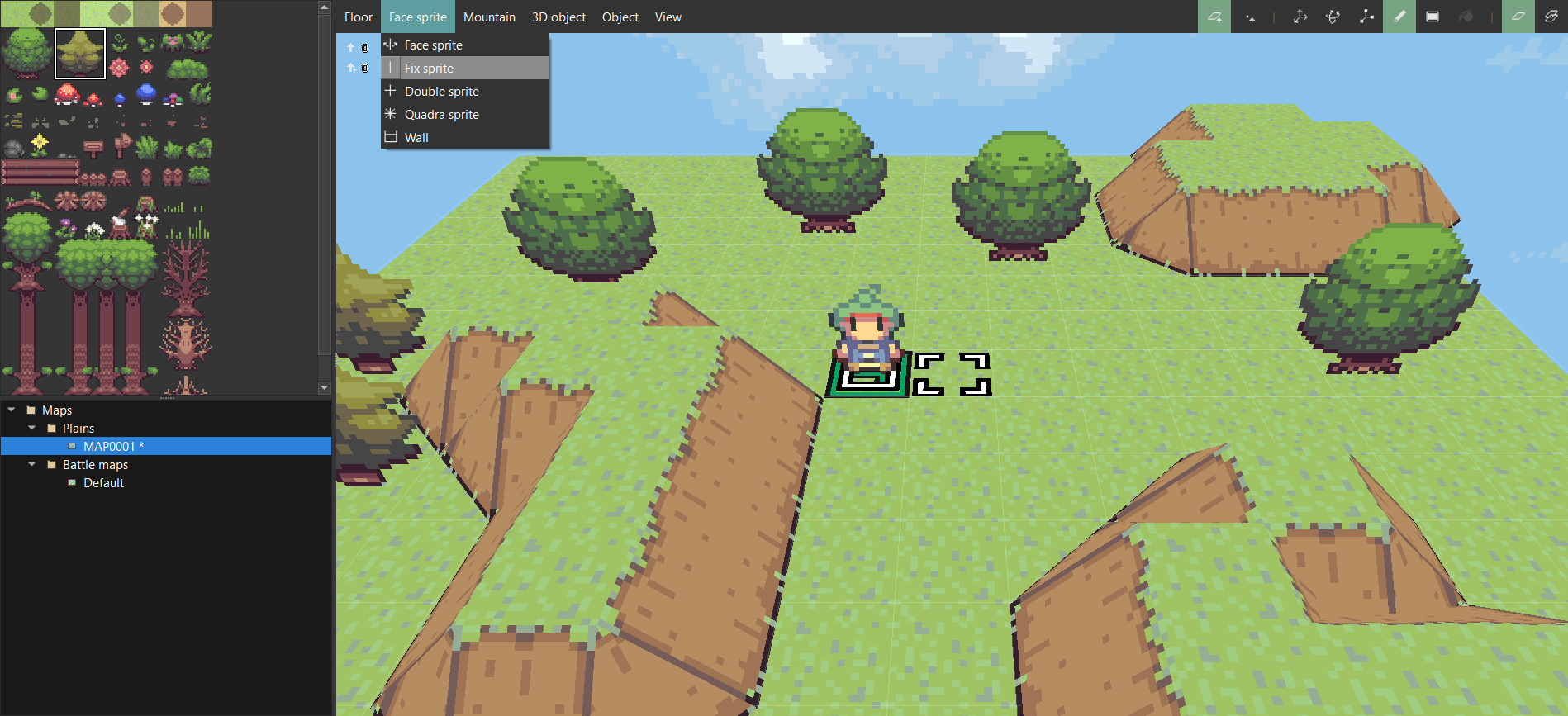
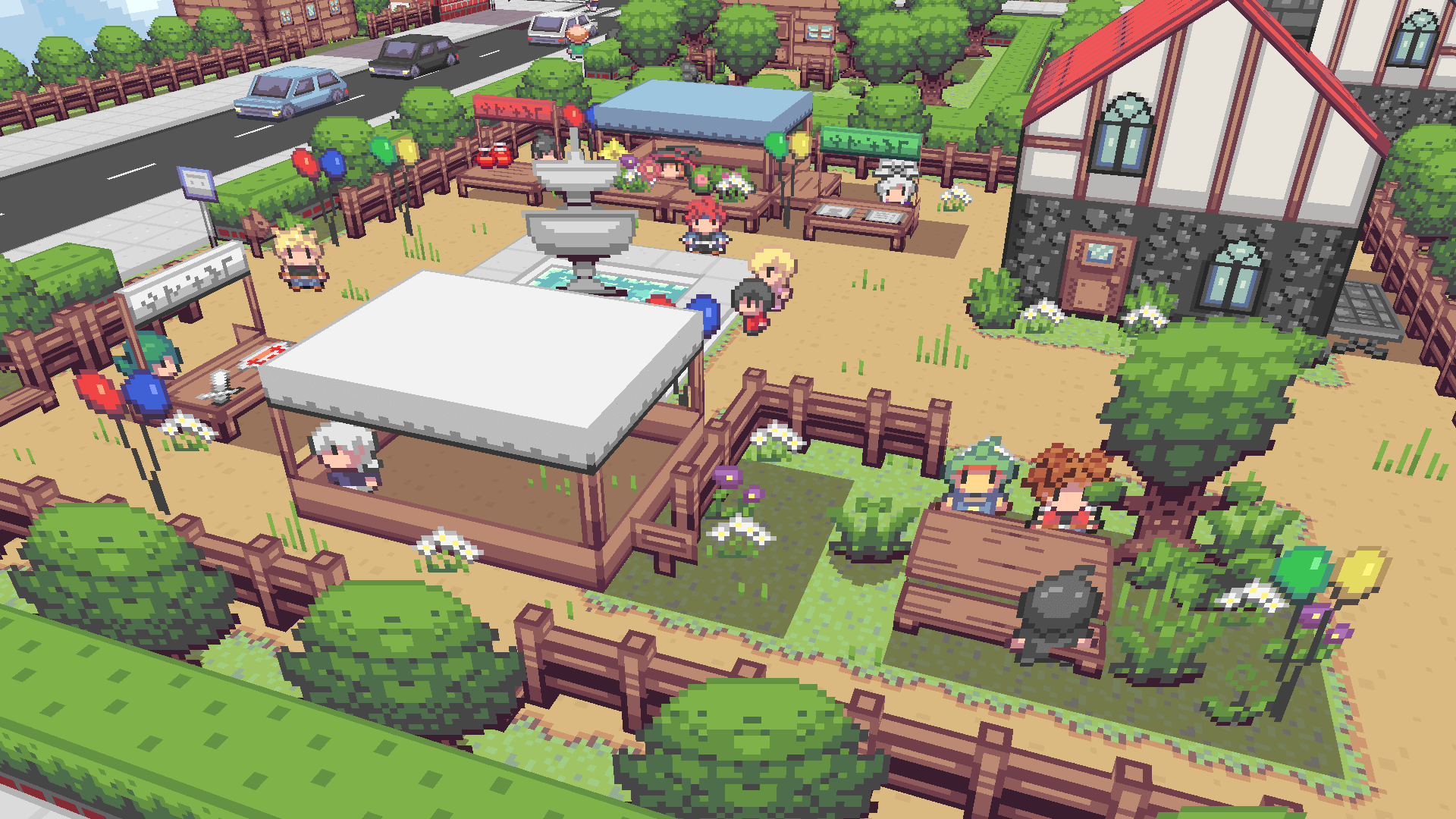
Manage your 3D maps the same way you would in 2D games! This includes: floors, autotiles, sprites (fixed, face, double, quadra), walls, mountains, 3D objects, and objects (NPCs, chests, etc.).
Check out the basics here: Map Editor Guide
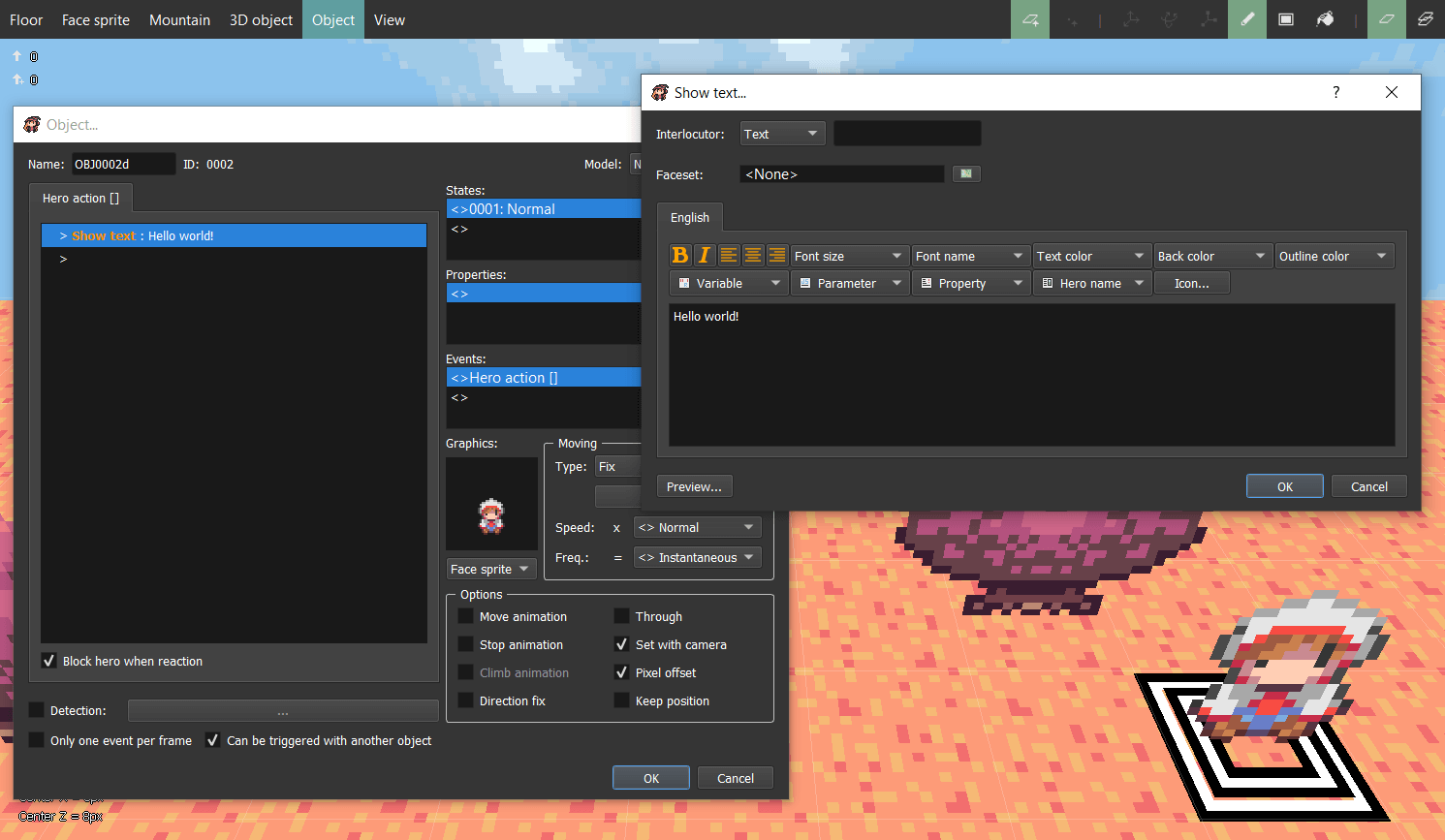
You can use the event system by adding objects to your maps that interact with others. Common examples include NPCs, chests, treasures, and doors.
Your hero is also an object, so you can customize how they react to the environment and player inputs.
Check out the guide here: Objects & Events Guide
RPG Paper Maker comes with retro-inspired assets, but you can also import your own to further customize your game.
Check out the guide here: Resources Management Guide
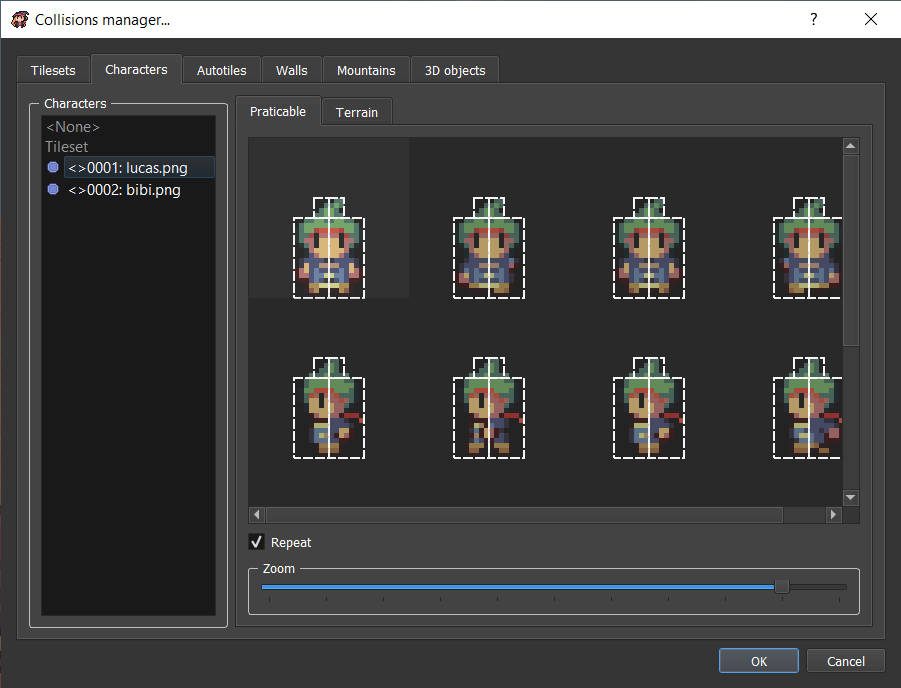
Collisions are easy to manage because they work similarly to 2D assets. Your 2D drawings are automatically converted into 3D bounding boxes.
Check out the guide here: Tilesets & Collisions Guide
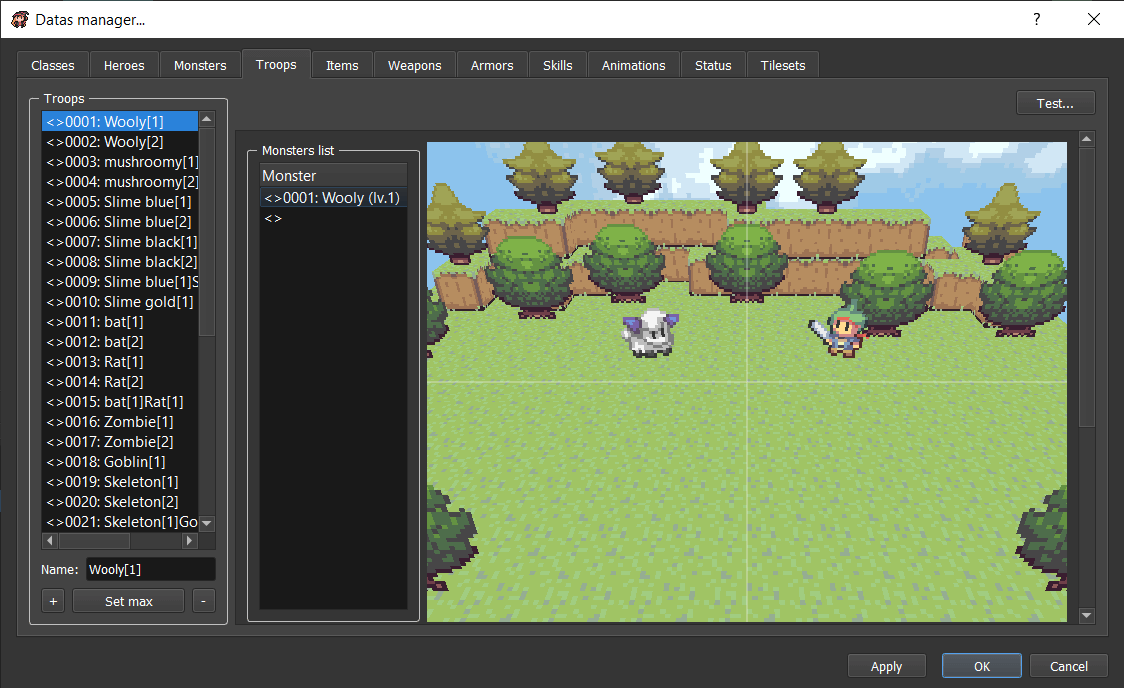
By default, RPG Paper Maker includes a 3D side-view battle system where you can configure heroes, monsters, troops, animations, statuses, elements, and more.
Check out the guide here: Battle System Guide

Control the camera easily using the associated event commands. You can create amazing cutscenes!
Check out the guide here: Camera Control Guide
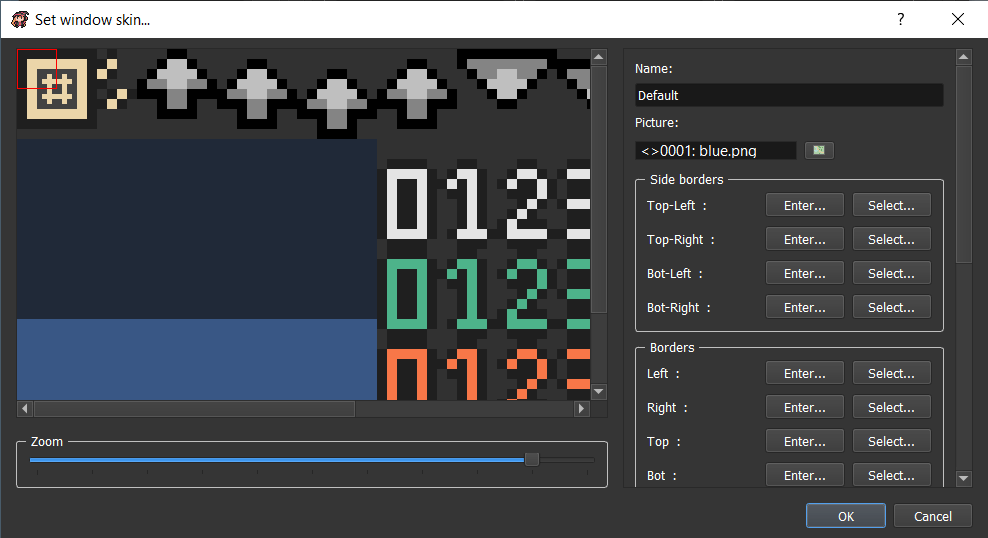
Change your game's UI by customizing window skins, bars, images, sounds, and more.
Check out the guide here: Window Skins Guide
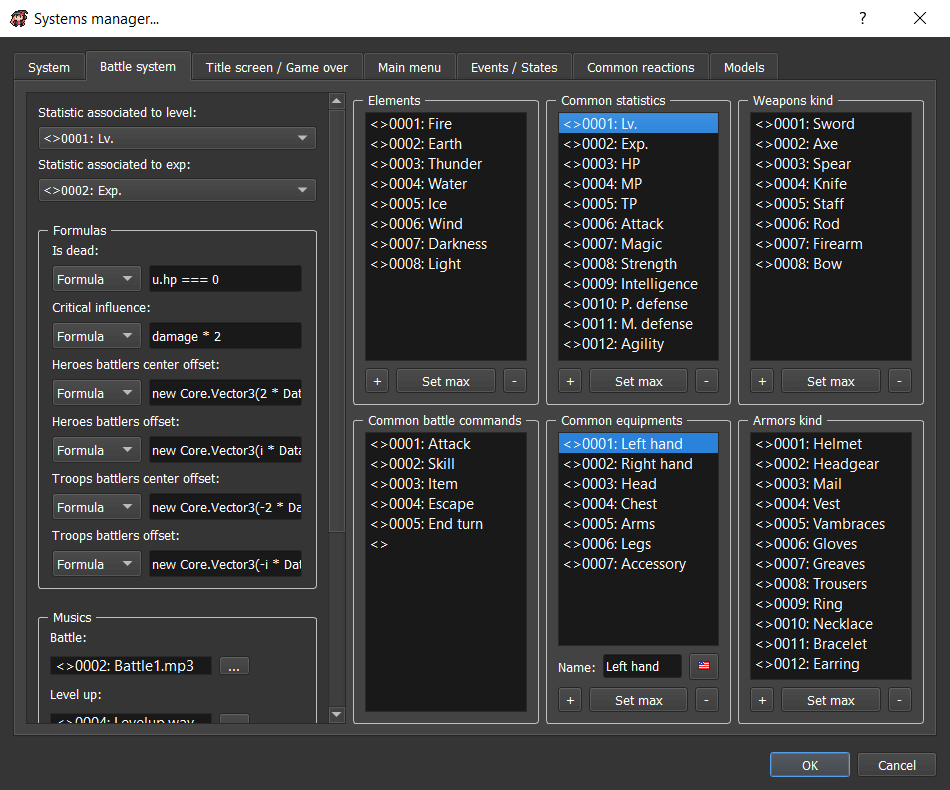
Use the database to manage your game data (classes, items, weapons, armor, tile size, etc.).
Check out the guide here: Database Guide
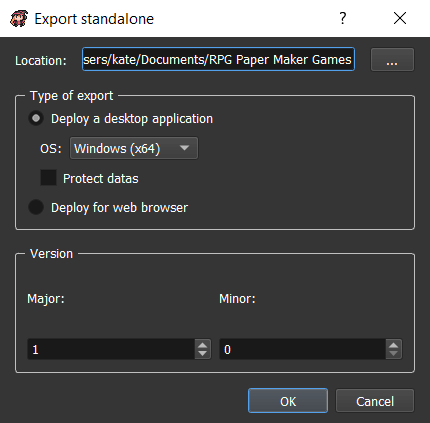
Quickly export your demos or final versions for all desktop platforms and web browsers.
Check out the guide here: Deployment Guide
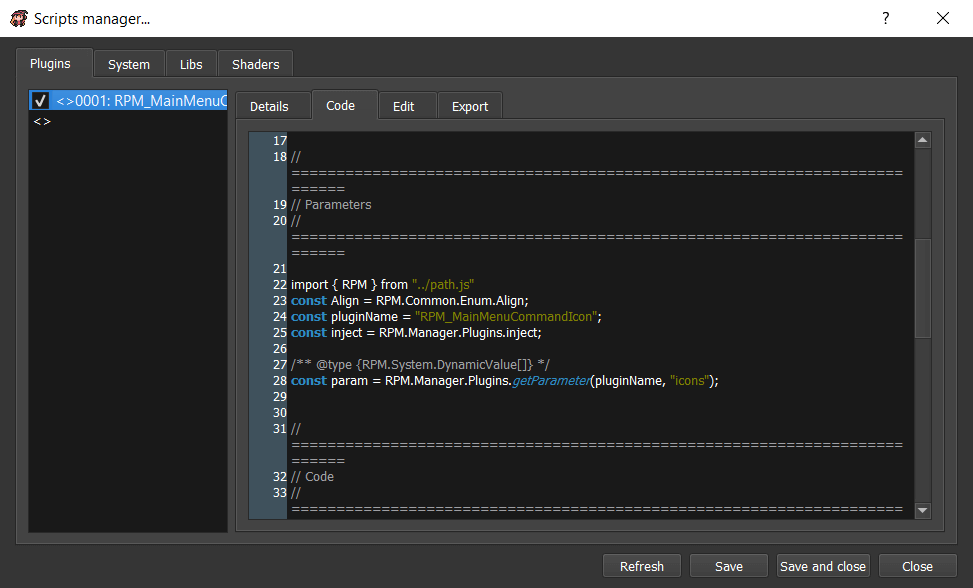
You can extend your game using plugins. If you have JavaScript skills, you can push customization even further by creating your own.
Check out the guide here: Plugins Guide

Project Manager, Developer, Web Designer and Graphic & Objects Designer.
Russo (Aleksander), Adam Faur, Leyn (hsandt), Nio Kasgami, Kino, Danilo Lutz
JDSherbert, Elias Luukkanen
Dantesque, Amysaurus
Danilo Lutz, Calowo, Pipo, LovelyA72, Reptile, Dmytryk
KevinOfNine, Cid, Wood
Migasand, Smash Corliss, Porbol, Kyra Townsend, Padre_Bombita, Jadden, WetPaws, Ben Rittmann, Connor Clark, Tristics, Steven Setzer, zach vasicak, Valtharr, Arachnopunk, Kino, Michael Towns (gamebuoygames), John DeLamare, LovelyA72, Lady Merlin