THE TOOLKIT

Some features available in RPG Paper Maker.

Explore the systems RPG Paper Maker provides to build and share your game, with a guide for each.

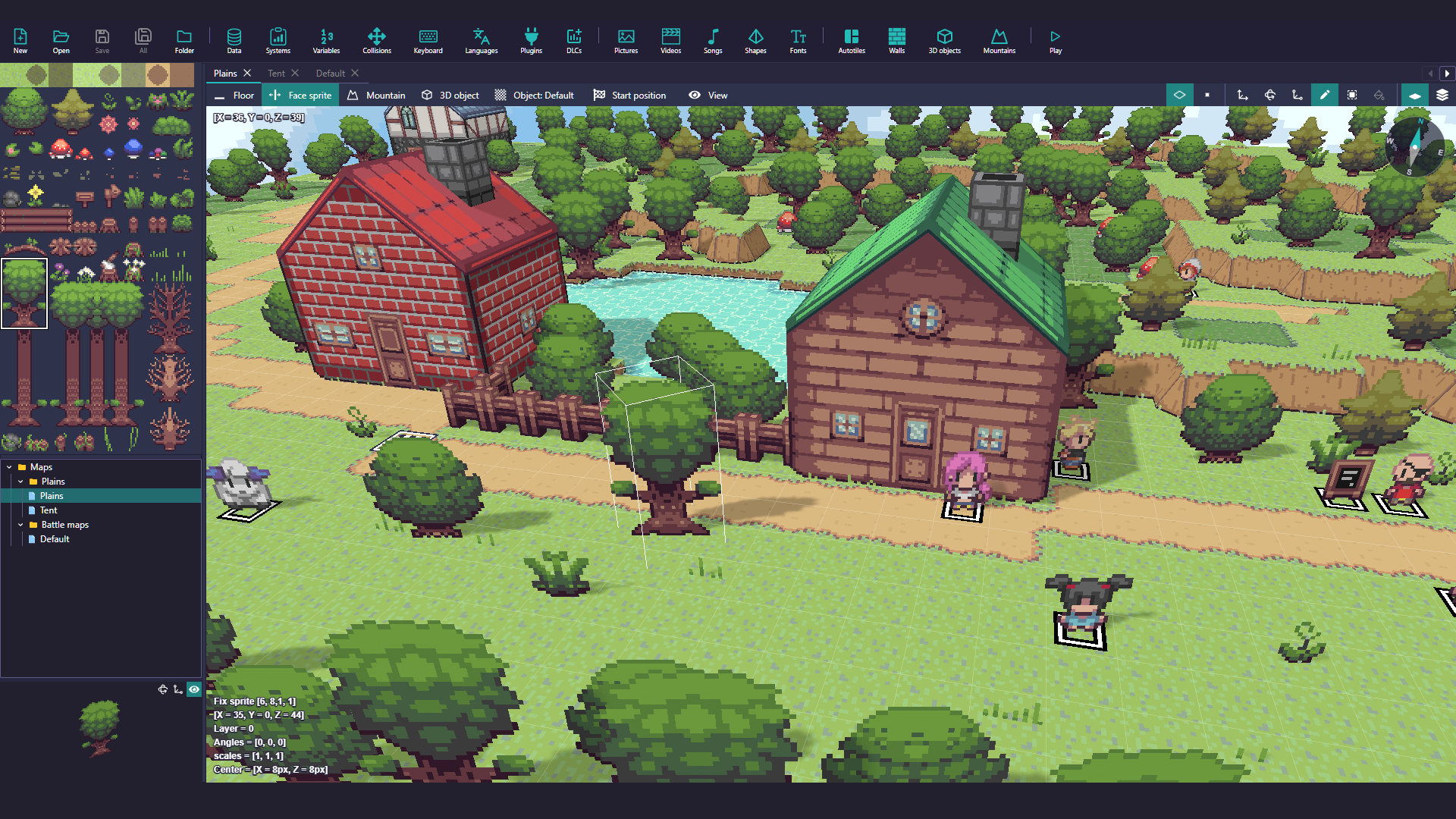
RPG Paper Maker map editor interface

3D map editor

Build maps with floors, autotiles, sprites, walls, mountains, 3D models and interactive objects.

Read the guide
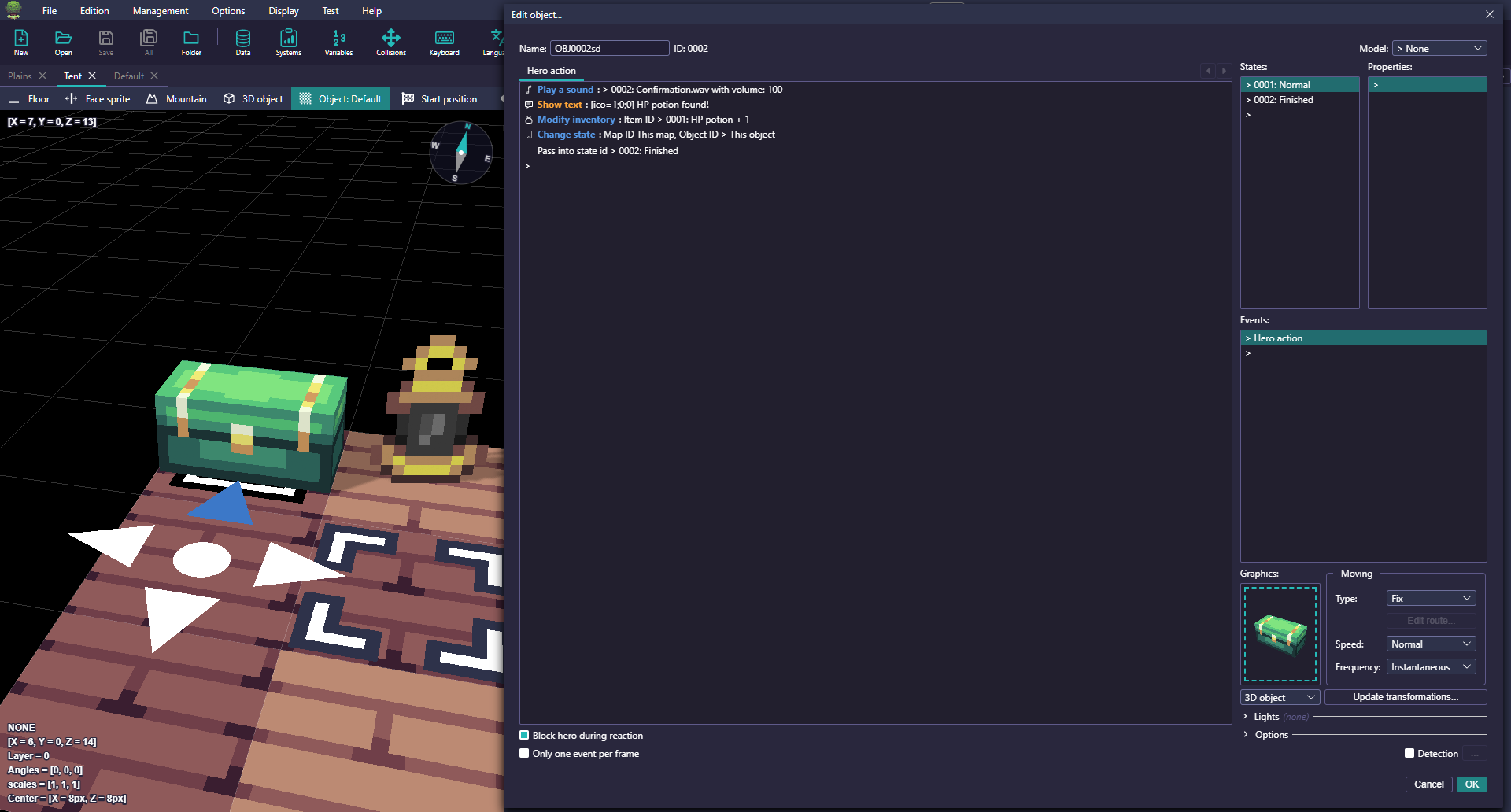
Object event commands in RPG Paper Maker

Objects and events

Give characters, doors and treasure their own interactions with the event system.

Read the guide
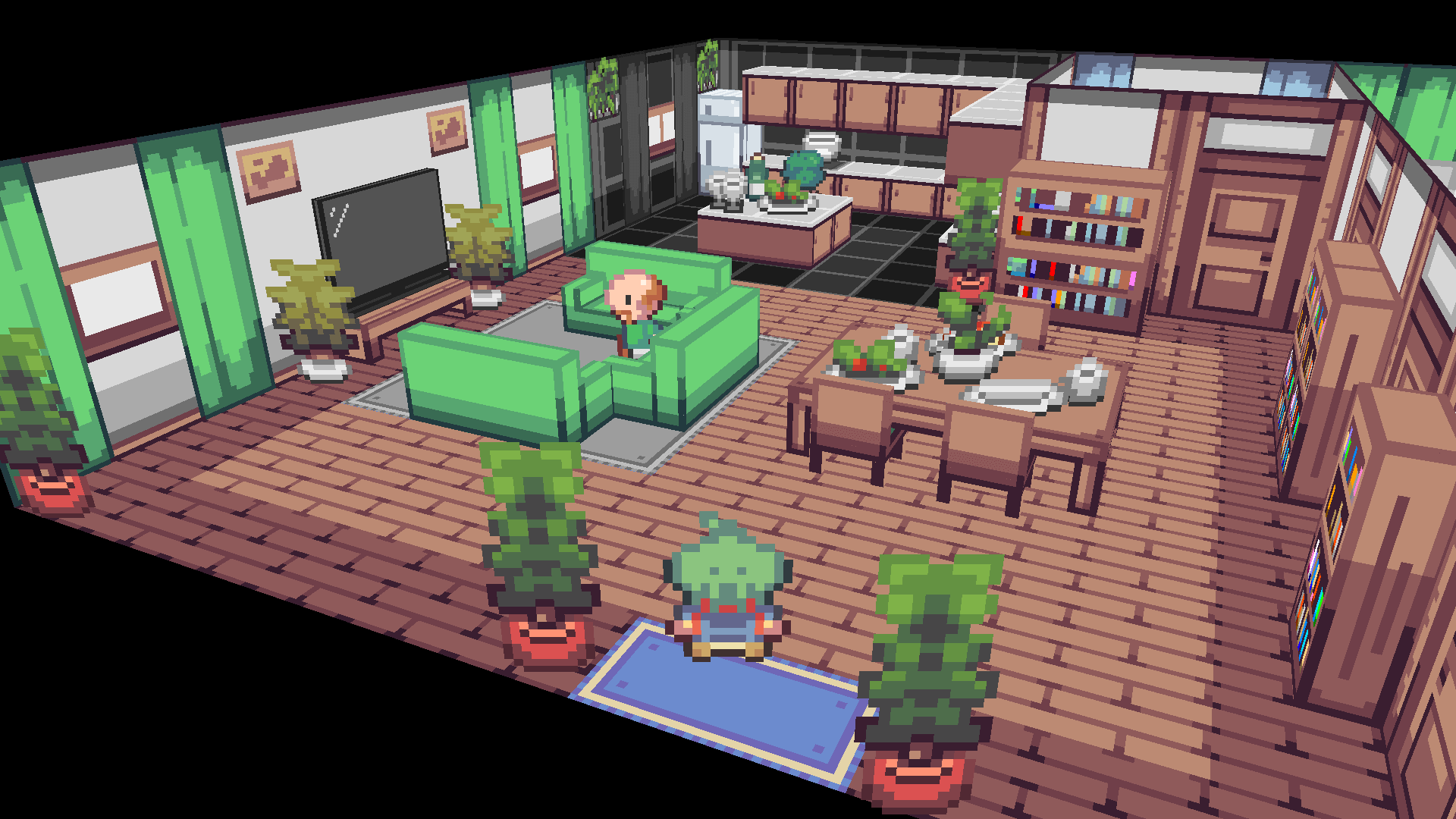
House scene built with RPG Paper Maker assets

Included and custom assets

Start with retro-inspired resources, then import your own artwork and models.

Read the guide
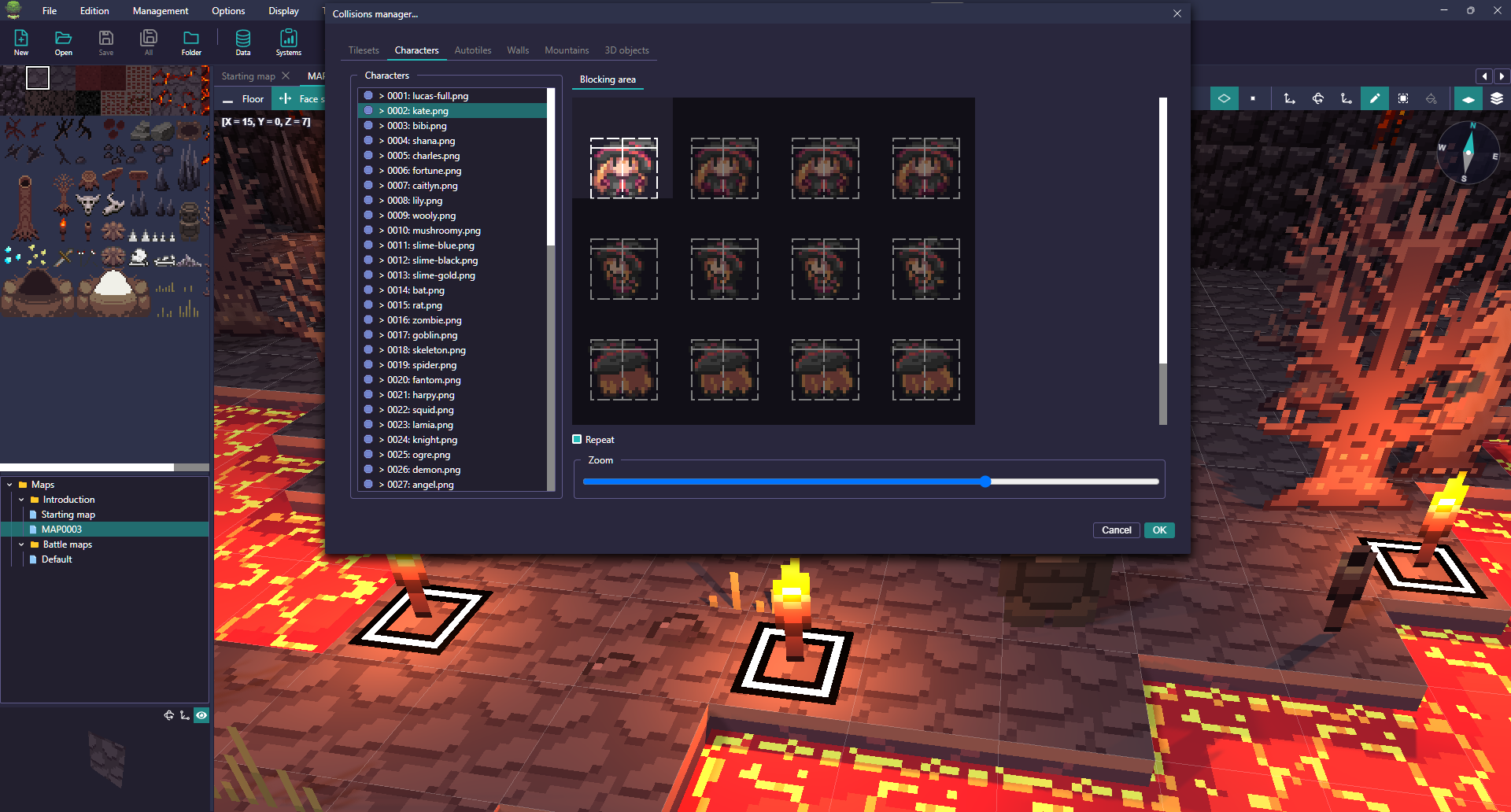
Collision boxes shown in the RPG Paper Maker editor

Collisions

Set up movement and boundaries with collision controls that work with your map tiles.

Read the guide
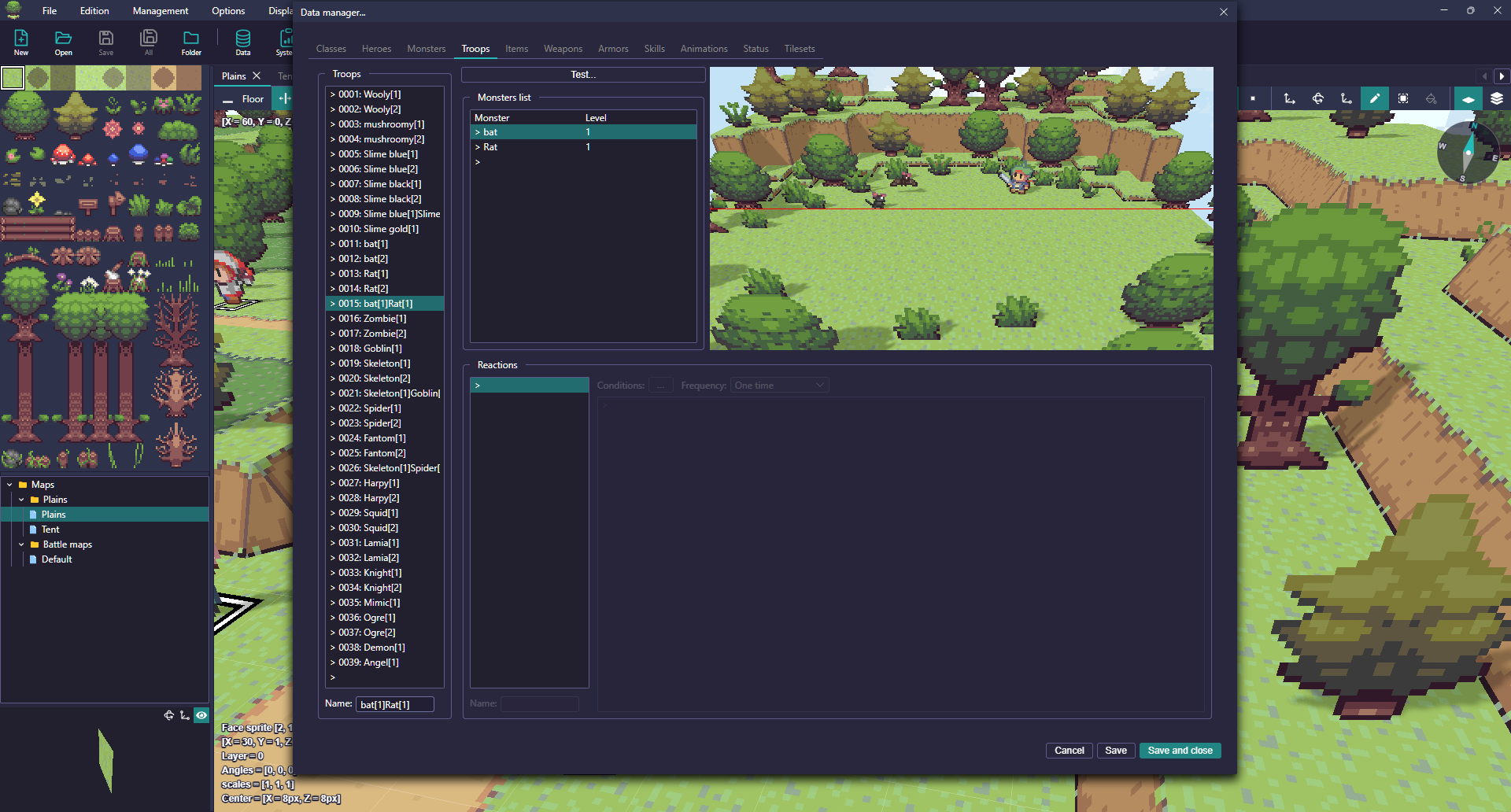
RPG Paper Maker battle system settings

Side-view battles

Configure heroes, monsters, troops, animations, statuses and elements for battles.

Read the guide
Camera controls

Move the camera with event commands to frame scenes and cutscenes.

Read the guide
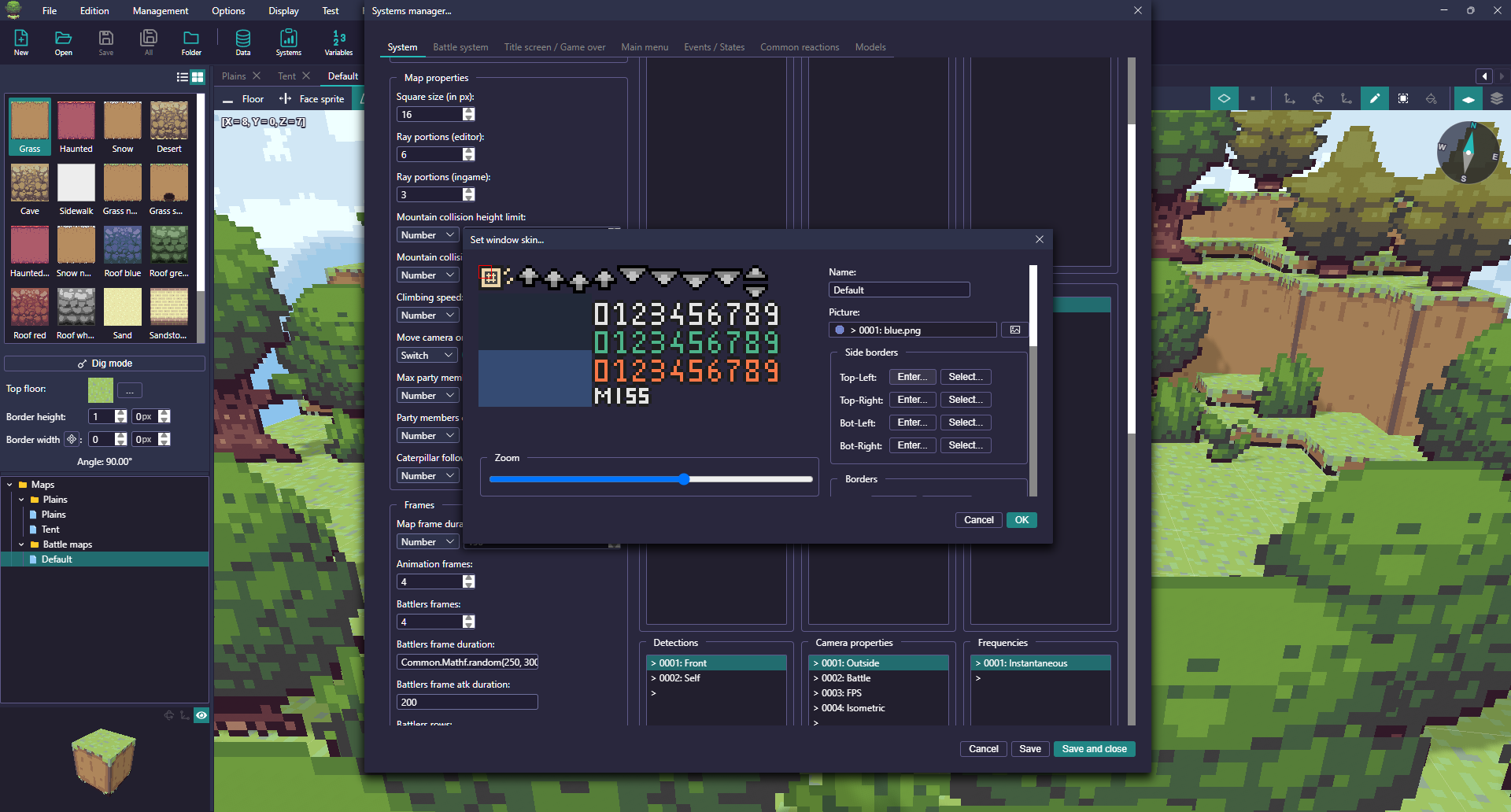
Window skin customization in RPG Paper Maker

Custom interface

Adjust window skins, bars, images and sounds to suit your game.

Read the guide
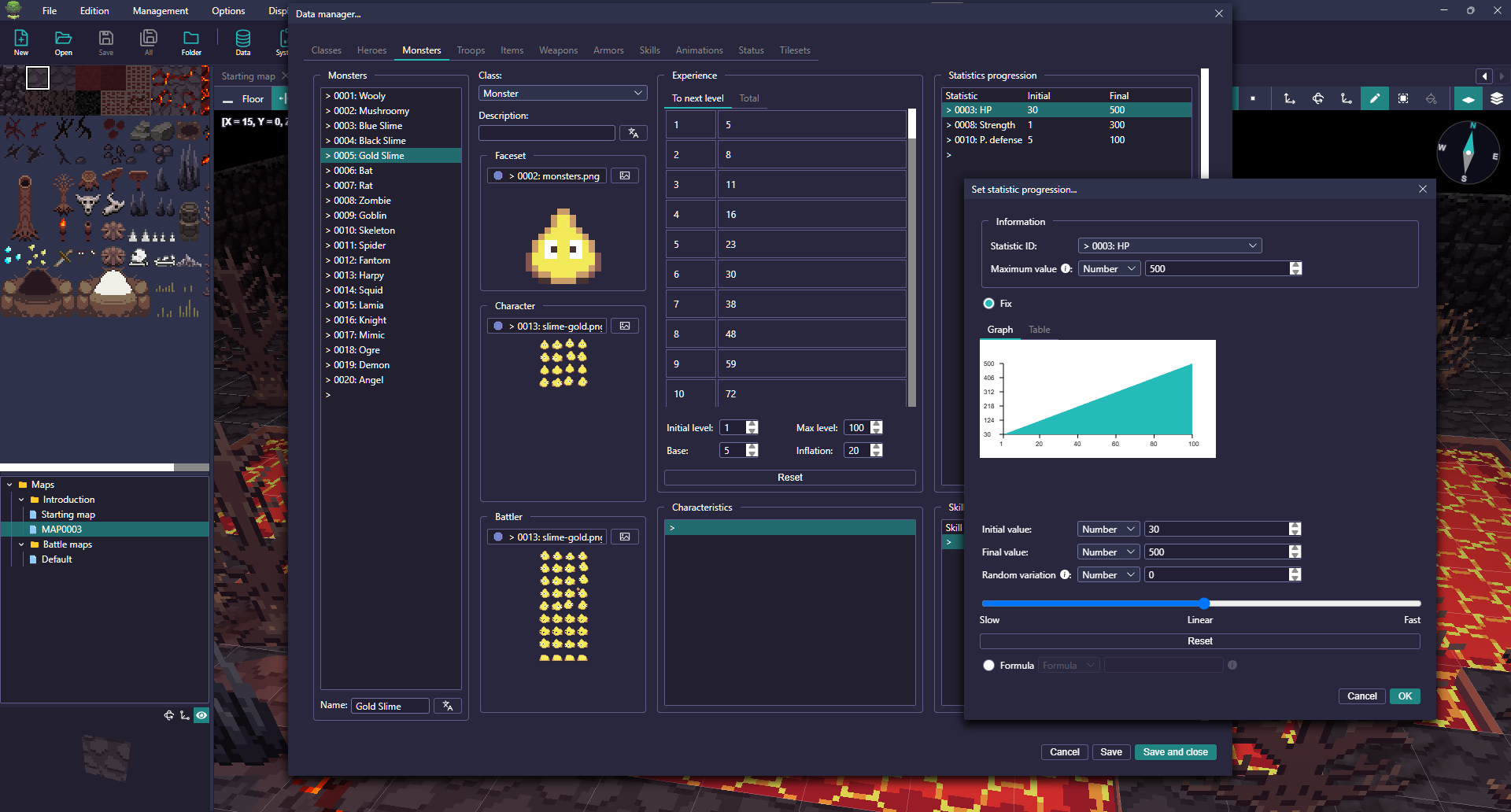
Game statistics in the RPG Paper Maker database

Game database

Organize classes, items, equipment, statistics and other game data.

Read the guide
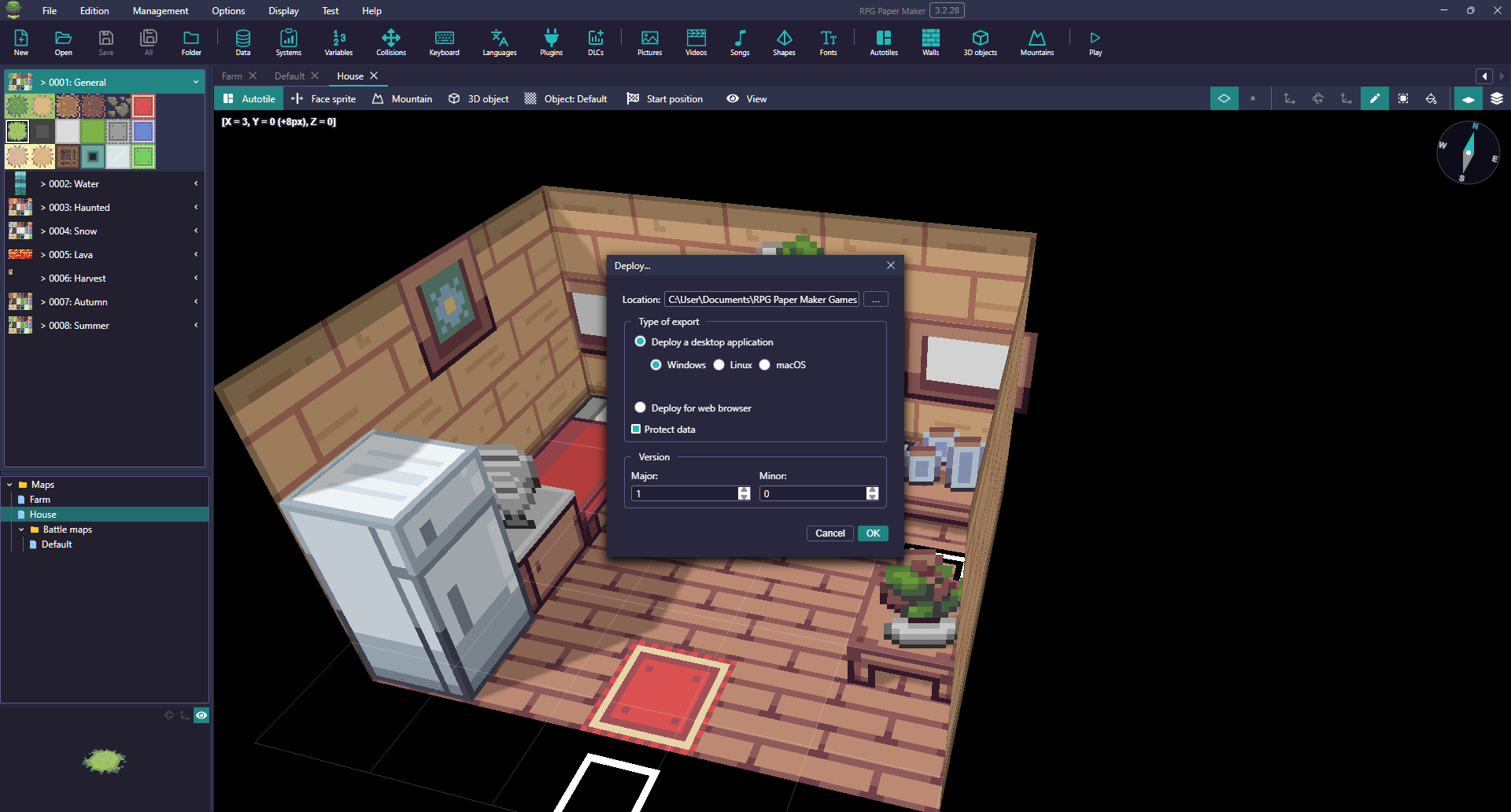
Export options in RPG Paper Maker

Export your game

Prepare demos and finished games for desktop platforms or the web.

Read the guide
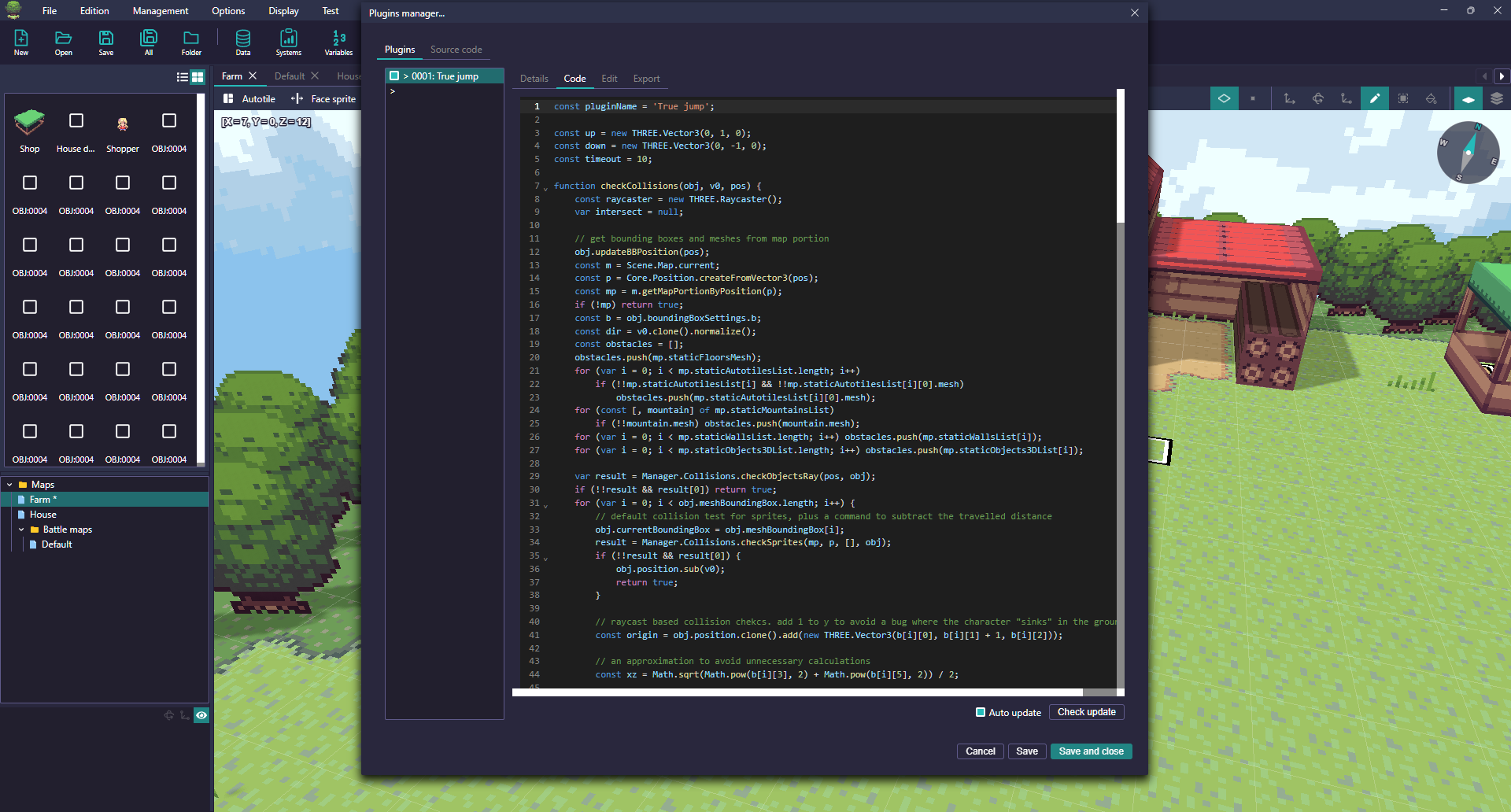
Plugin configuration in RPG Paper Maker

JavaScript plugins

Extend game behavior with plugins and your own JavaScript.

Read the guide